A virtual environment (
venv) is an isolated Python workspace for a project.
Q: Why need virtual environment
- Avoid dependency conflicts between projects
- Keep system Python clean
- Make installs reproducible via
requirements.txt
Environment Setup
Prerequisites
- Python 3.10+ (recommended)
pipavailable (comes with Python)
macOS / Linux
1) Create virtual environment
cd /project
python3 -m venv .venv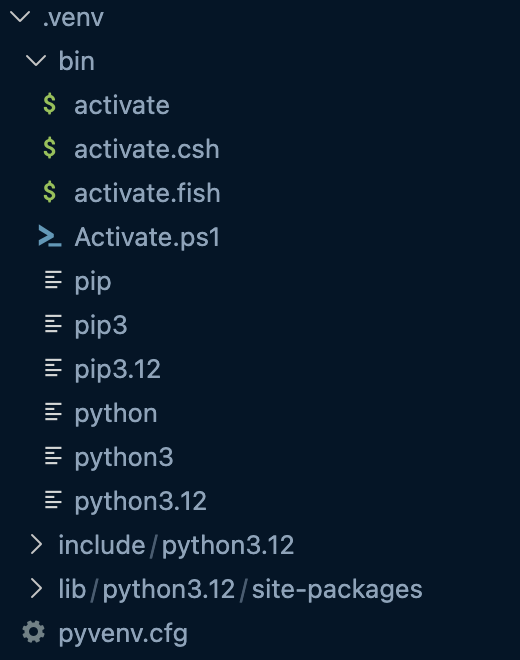
2) Activate the environment (macOS / Linux)
source .venv/bin/activateAfter successfully activating the virtual environment, your prompt will look like:
(.venv) alanwang@...
3) Upgrade pip (recommended)
python -m pip install --upgrade pip4) Install dependencies
# Install dependencies from requirements.txt
pip install -r requirements.txt
Install a single package
# Install dependencies
pip install <package-name>
Export dependencies
pip freeze > requirements.txt5) Deactivate Virtual Environment
After Activate successfully source .venv/bin/activate
deactivateLinked to: env Guide