- Create a new package
controller - Create a endpointer
- Set
application.properties
next step: set docker file
Create a new package controller under src/main/java/com/cs6650/helloservice/ and add HelloController.java:
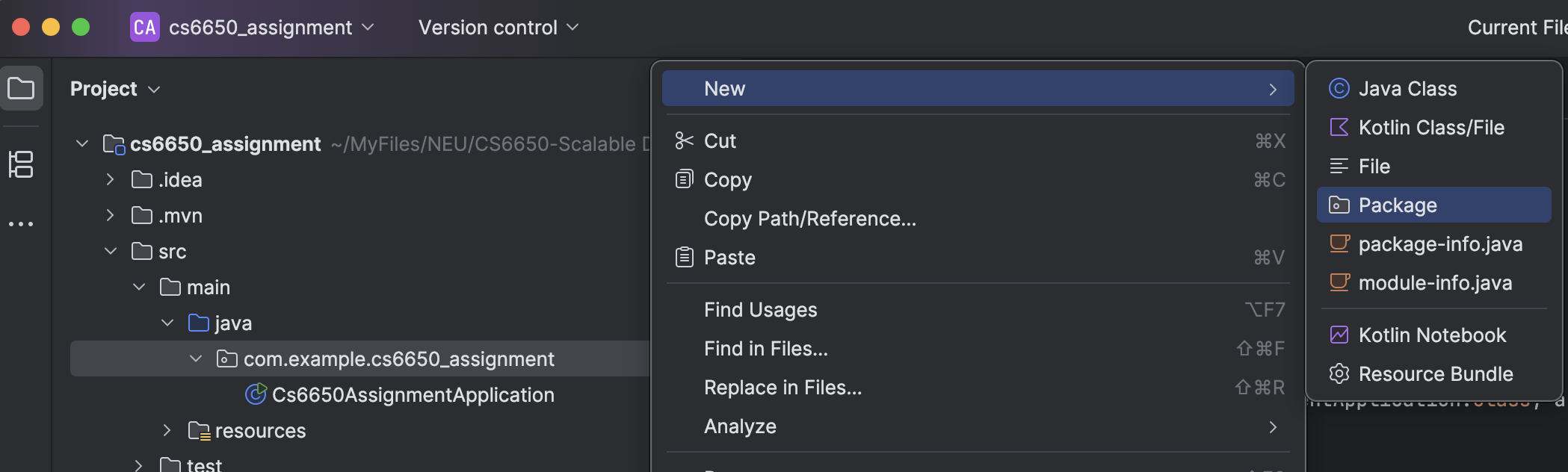
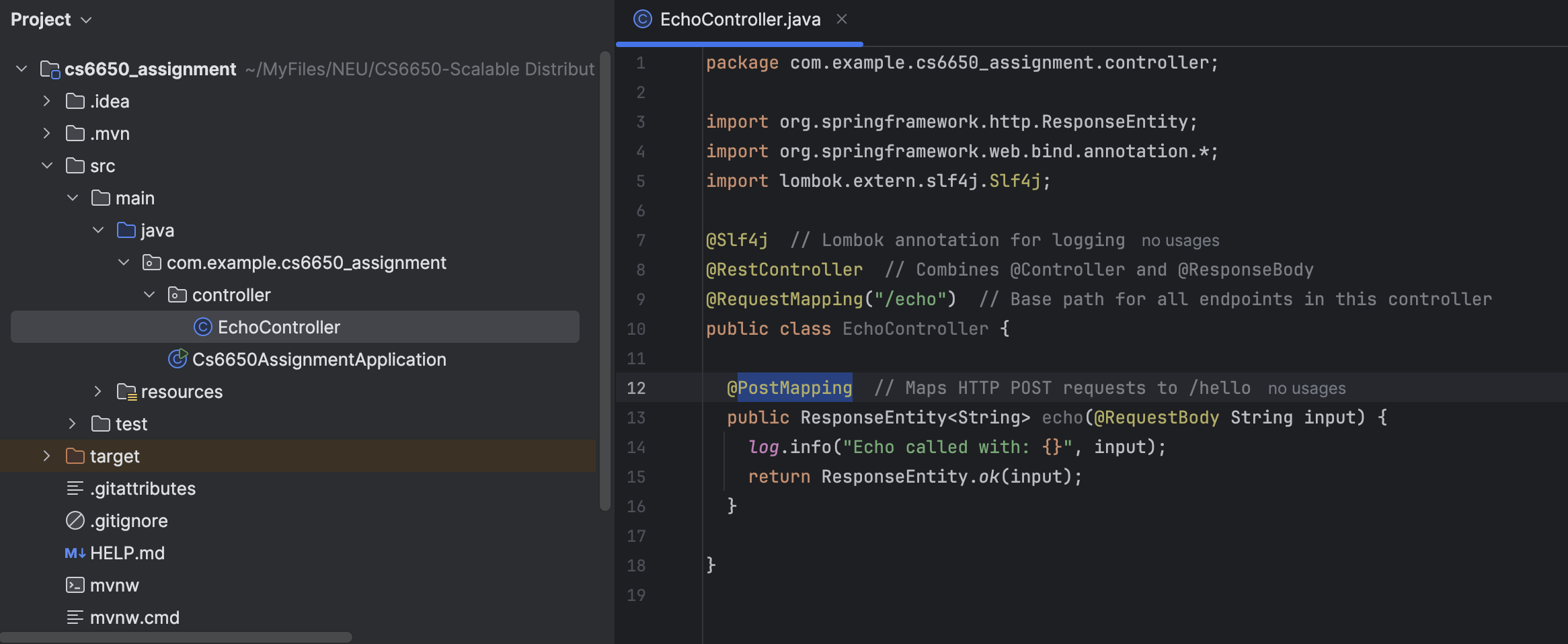
PostMapping
package com.example.cs6650_assignment.controller;

import org.springframework.http.ResponseEntity;
import org.springframework.web.bind.annotation.*;
import lombok.extern.slf4j.Slf4j;

@Slf4j  // Lombok annotation for logging
@RestController  // Combines @Controller and @ResponseBody
@RequestMapping("/echo")  // Base path for all endpoints in this controller
public class EchoController {

  @PostMapping  // Maps HTTP POST requests to /hello
  public ResponseEntity<String> echo(@RequestBody String input) {
    log.info("Echo called with: {}", input);
    return ResponseEntity.ok(input);
  }
}
curl -X POST http://localhost:8080/echo -d "hello"curl一个命令行 HTTP 客户端,相当于 终端版 Postman-X POST指定 HTTP 方法为 POST, 如果不写-X POST,curl默认是 GEThttp://localhost:8080/echo你访问的 URL,也就是你的 Spring Boot 接口地址-d "bye"-d= data = request body
Step3 set application.properties
# Server configuration
server.port=8080
server.servlet.context-path=/api

# Logging configuration
logging.level.com.cs6650.helloservice=DEBUG
logging.pattern.console=%d{HH:mm:ss.SSS} [%thread] %-5level %logger{36} - %msg%n

# Application info (useful for monitoring)
spring.application.name=cs6650_assignment
test
curl -X POST http://localhost:8080/api/echo -d "hello"
hello=%