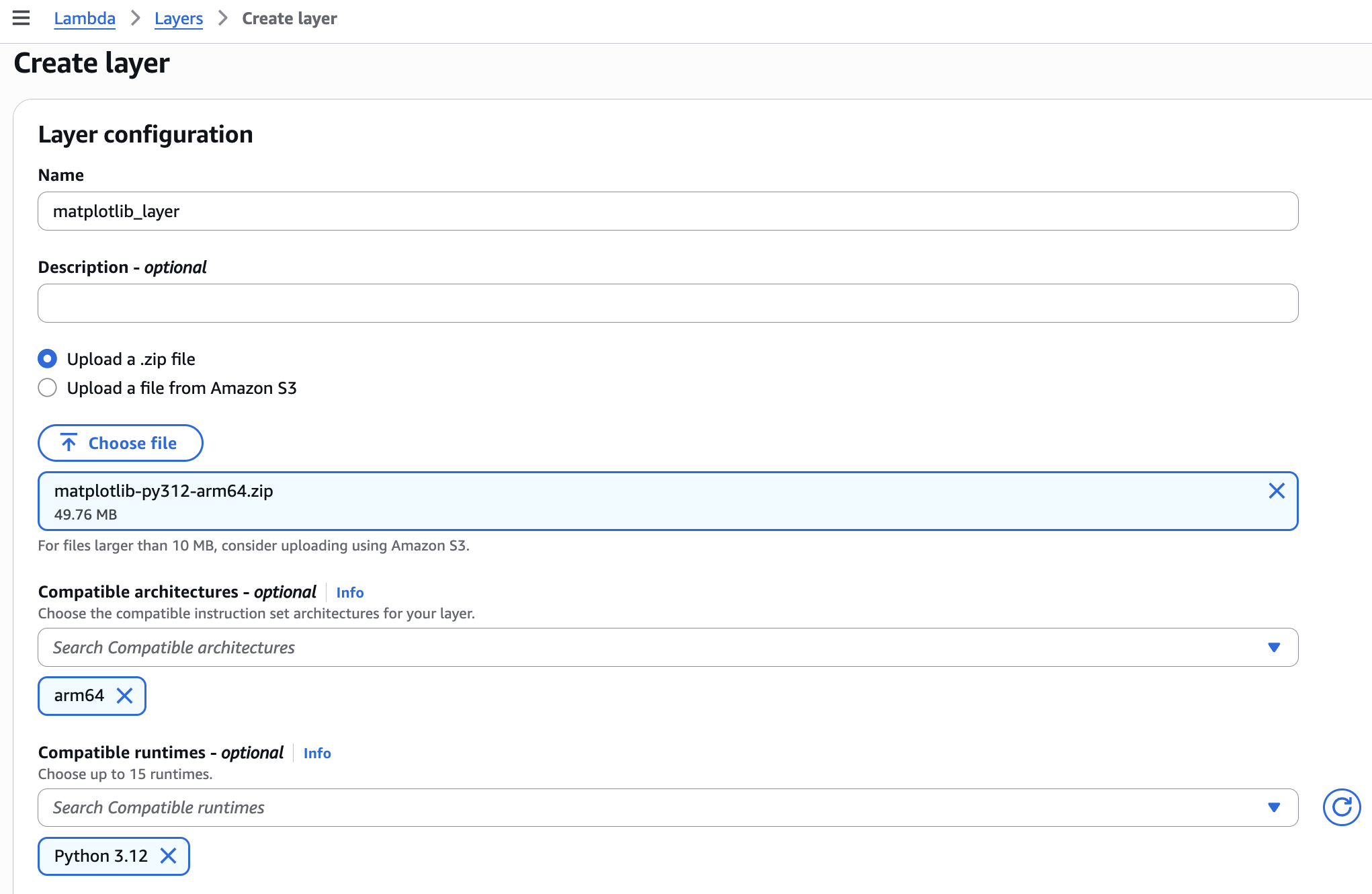
Create layer
In lambda, add layer
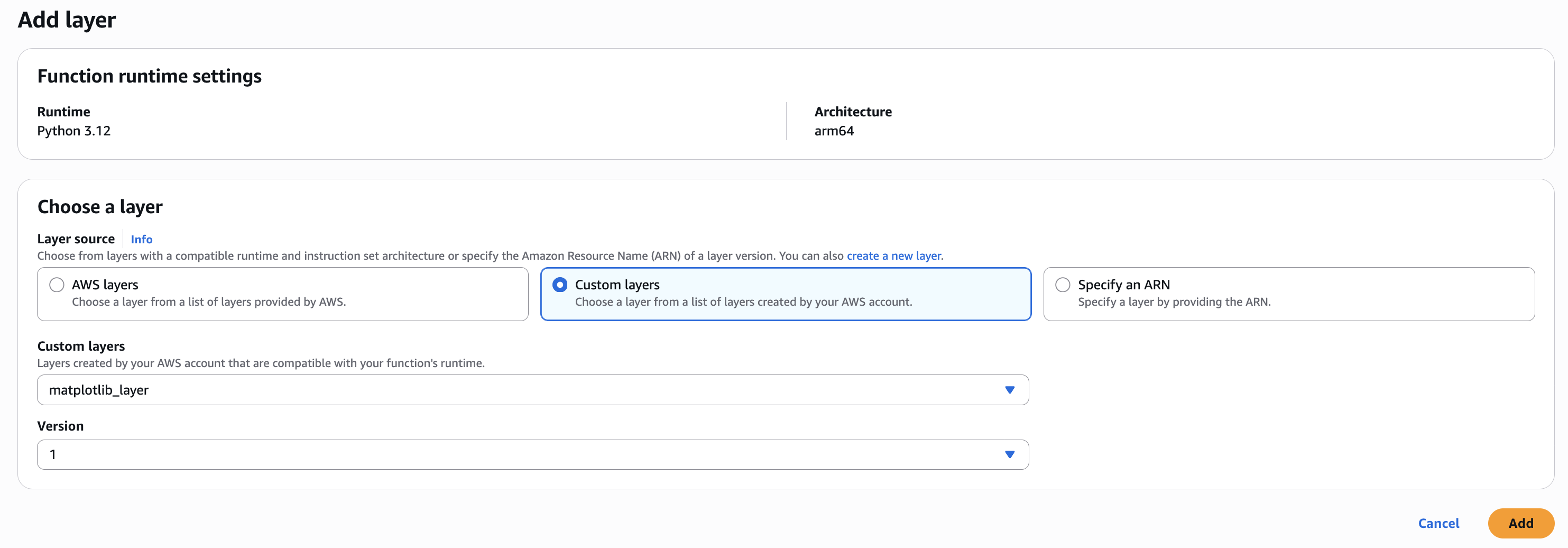
code quick check
import matplotlib
matplotlib.use("Agg")
import matplotlib.pyplot as plt

def lambda_handler(event, context):
    print("matplotlib:", matplotlib.__version__)
    return {"ok": True}
assign role permissions
plotting-lambda-policy
{
  "Version": "2012-10-17",
  "Statement": [
    {
      "Sid": "QueryHistoryFromDDB",
      "Effect": "Allow",
      "Action": ["dynamodb:Query"],
      "Resource": [
        "arn:aws:dynamodb:us-west-1:*:table/S3-object-size-history",
        "arn:aws:dynamodb:us-west-1:*:table/S3-object-size-history/index/*"
      ]
    },
    {
      "Sid": "WritePlotToS3",
      "Effect": "Allow",
      "Action": ["s3:PutObject"],
      "Resource": "arn:aws:s3:::assign2-plot-bucket/*"
    }
  ]
}
Docker Create layer file
matplotlib-py312-arm64.zip
matplotlib-layer.zip
└── python/
    └── (site-packages stuff here)
        ├── matplotlib/
        ├── numpy/
        ├── PIL/
        └── ...
Step
- Pull image
- download
lambda linux environment
- download
- Run container
- Volume mount
- share the file
- pip install
(matplotlib) - zip
# 0) Go to your project root (assignment2)
cd /path/to/assignment2

# 1) Pull image (optional; docker run will auto-pull if missing)
docker pull public.ecr.aws/lambda/python:3.12

# (optional) clean old outputs
rm -rf layer
mkdir -p layer/python

# 2-4) Run container + Volume mount + pip install matplotlib into layer/python
docker run --platform linux/arm64 --rm \
  -v "$PWD/layer":/var/task/layer \
  --entrypoint /bin/bash \
  public.ecr.aws/lambda/python:3.12 \
  -lc "pip install -t /var/task/layer/python matplotlib"

# 5) Zip the python/ folder into a Lambda Layer zip (zip locally on macOS)
cd layer && zip -r matplotlib-py312-arm64.zip python && cd ..

# Verify
ls -lh layer
unzip -l layer/matplotlib-py312-arm64.zip | head
create python docker
rm -rf layer

# (optional) clean old outputs first

docker run --platform linux/arm64 --rm \
  -v "$PWD/layer":/var/task/layer \
  public.ecr.aws/sam/build-python3.12 \
  bash -lc "pip install -t /var/task/layer/python matplotlib && ls -lah /var/task/layer/python | head"